
WordPress plugin

WooMex
Connect WooCommerce and Collmex reliably
WooMex transfers orders, products, customers and stock between WooCommerce and Collmex, reducing repetitive manual work in day-to-day shop operations.
- Digital delivery after purchase
- For WooCommerce with Collmex Pro
- Compatible with Germanized and German Market
- 01
License for one website
The product can be used on one production WordPress website.
- 02
One year of support
We provide personal help with installation and use for one year.
- 03
One year of updates
New versions, improvements and compatibility updates are included for one year.
- 04
30-day money back
The product can be tried under the conditions set out in our terms.
Feature set
All features at a glance
Transfer orders
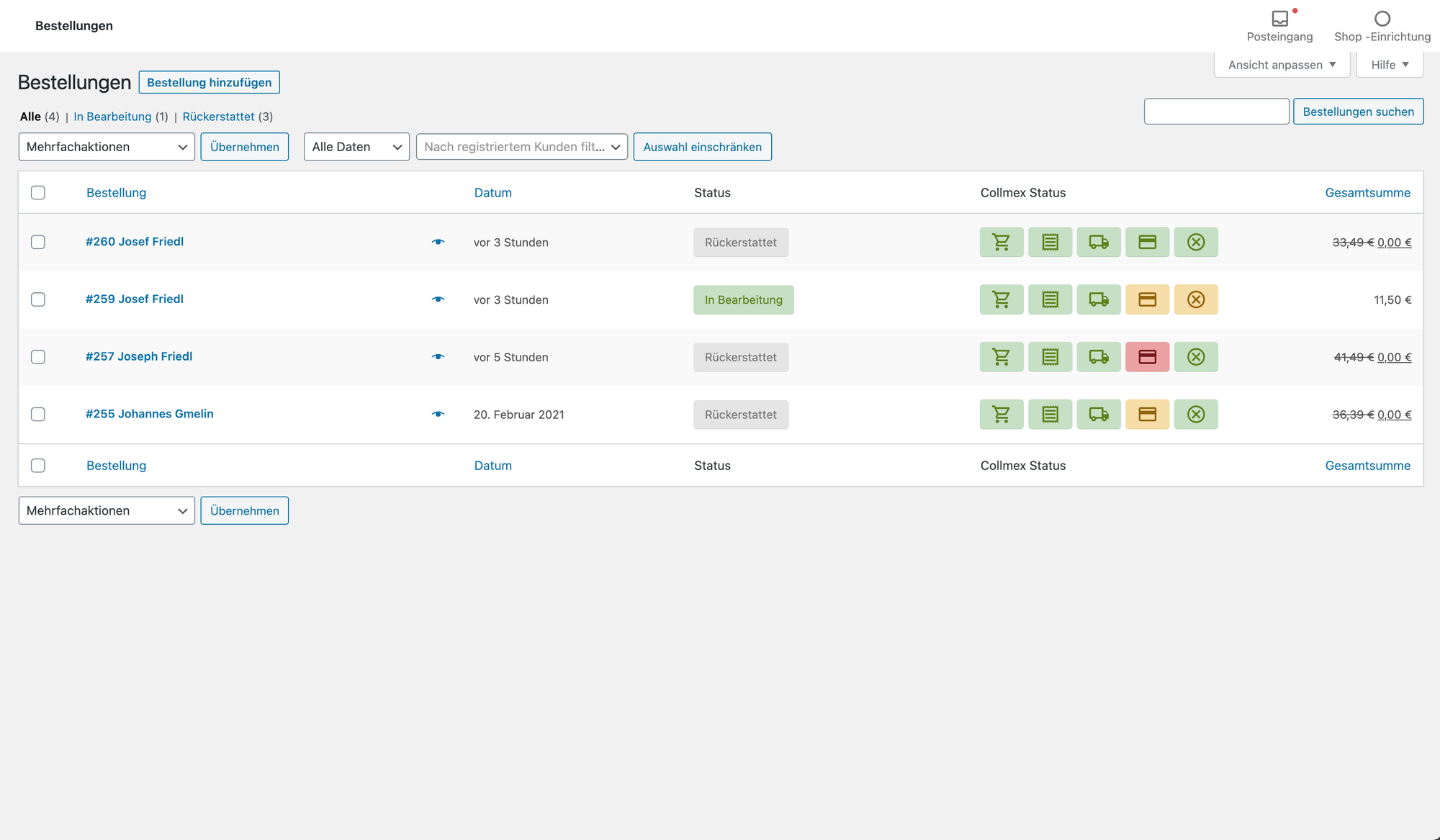
New WooCommerce orders are created automatically as sales orders in Collmex, so you do not have to enter them twice.
Synchronize order status
As soon as a sales order is completed in Collmex, WooMex automatically completes the related WooCommerce order as well.
Create and send invoices
WooMex creates invoices and cancellation invoices for transferred sales orders in Collmex and sends them to your customers.
Transfer payment confirmations
When a payment is confirmed in WooCommerce, WooMex automatically sends that information to Collmex.
Import products
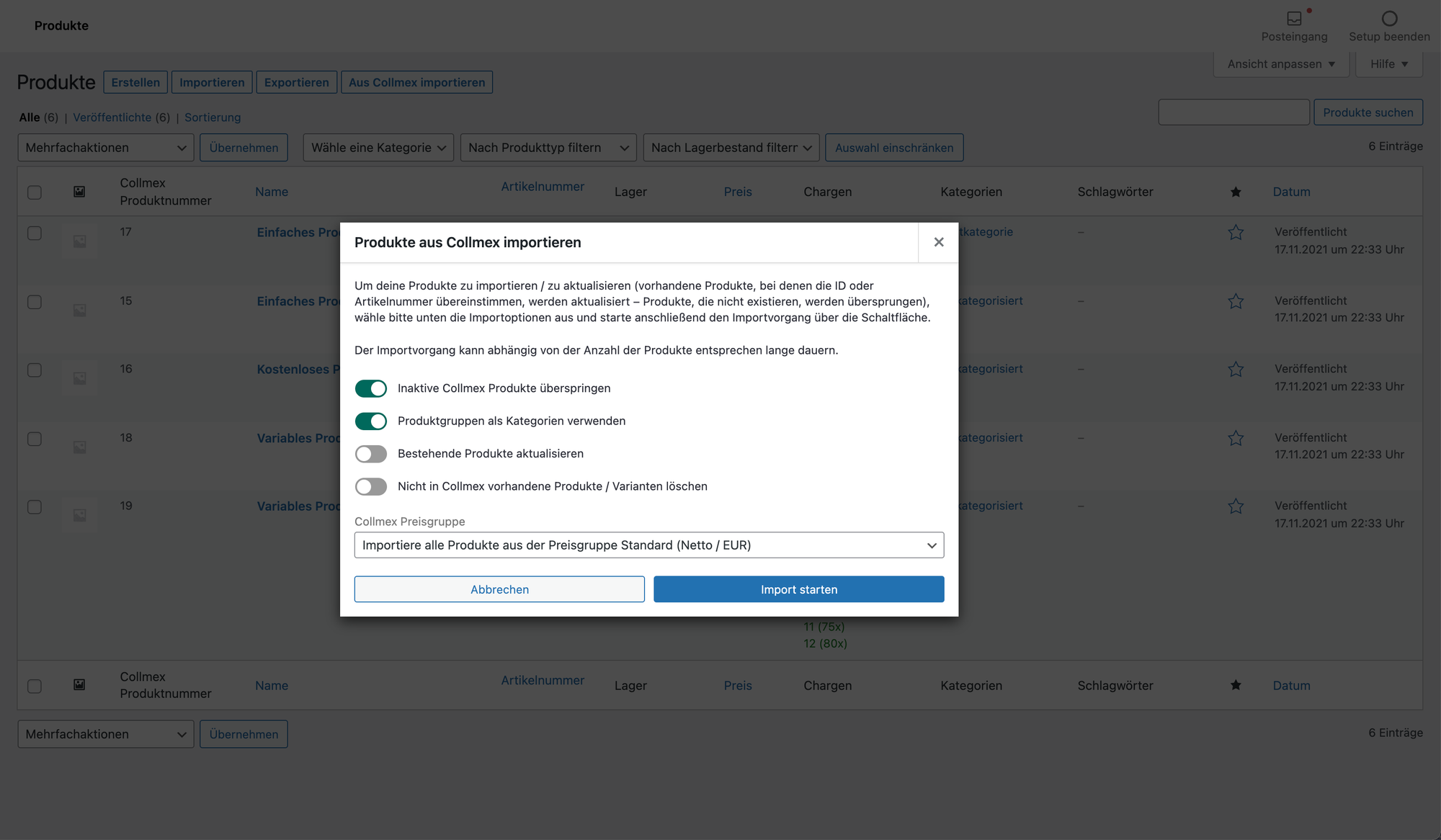
The product importer creates WooCommerce products from Collmex data and updates products that already exist.
Automatic product import
Automatic imports keep prices and product details aligned with Collmex and add new products without a manual import.
Export products
Products you create or update in WooCommerce are transferred to Collmex automatically.
Create deliveries
WooMex automatically creates the corresponding deliveries in Collmex for transferred sales orders.
Stock management
WooMex synchronizes stock and batches with Collmex and also accounts for external withdrawals such as eBay sales.
Restock after cancellation
When an order is canceled, WooMex automatically returns the previously withdrawn quantities to Collmex stock.
Update customer data
Changes to customer details in WooCommerce are transferred to Collmex automatically, whether made by the customer or your staff.
Import customers
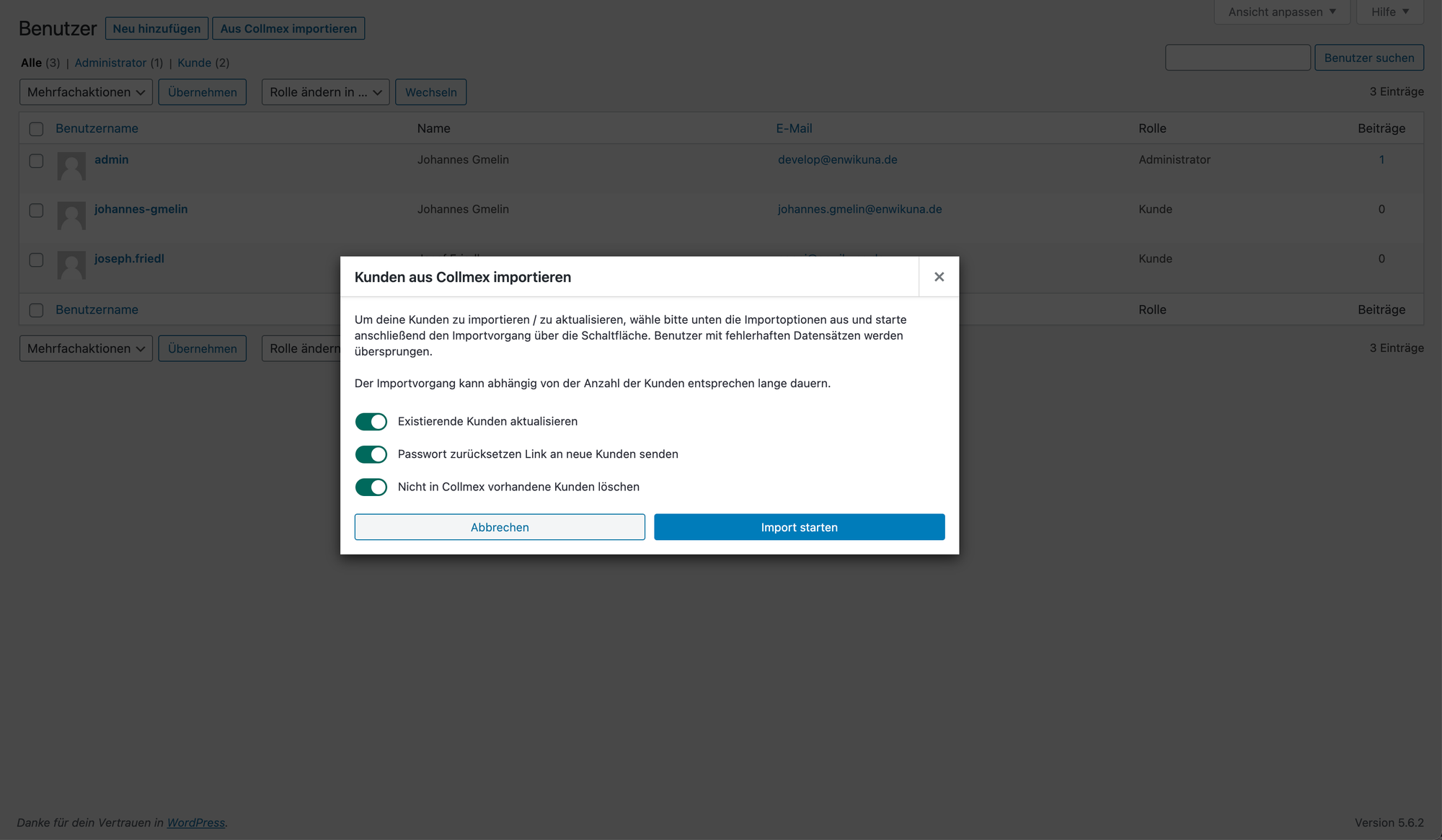
The customer importer uses Collmex records to create, update or delete the corresponding WooCommerce accounts.
Synchronize customers
Imported customer data can be synchronized with Collmex automatically once or several times a day.
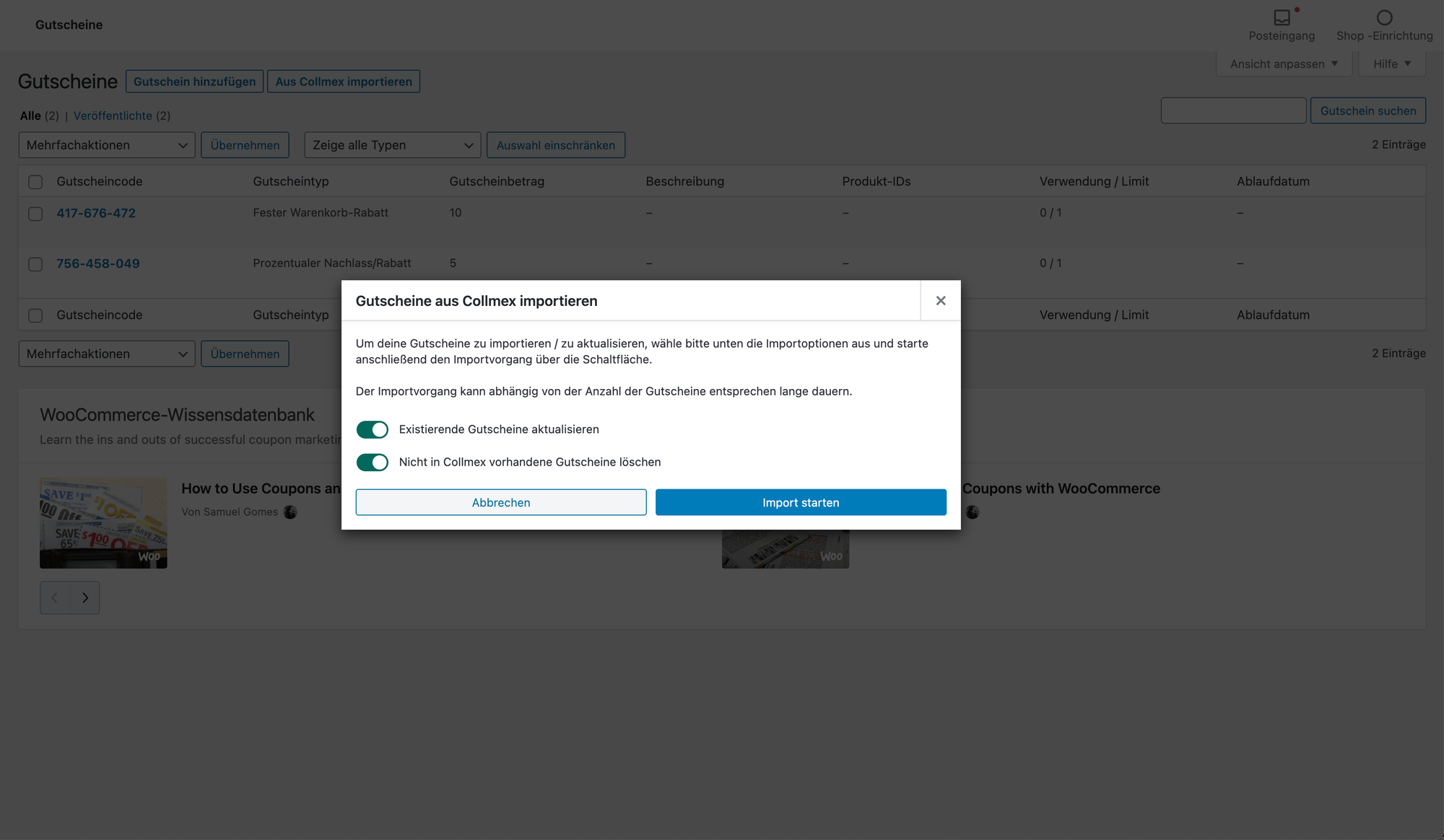
Import coupons
The coupon importer brings vouchers from Collmex into WooCommerce and creates, updates or removes the corresponding coupons.
Central dashboard
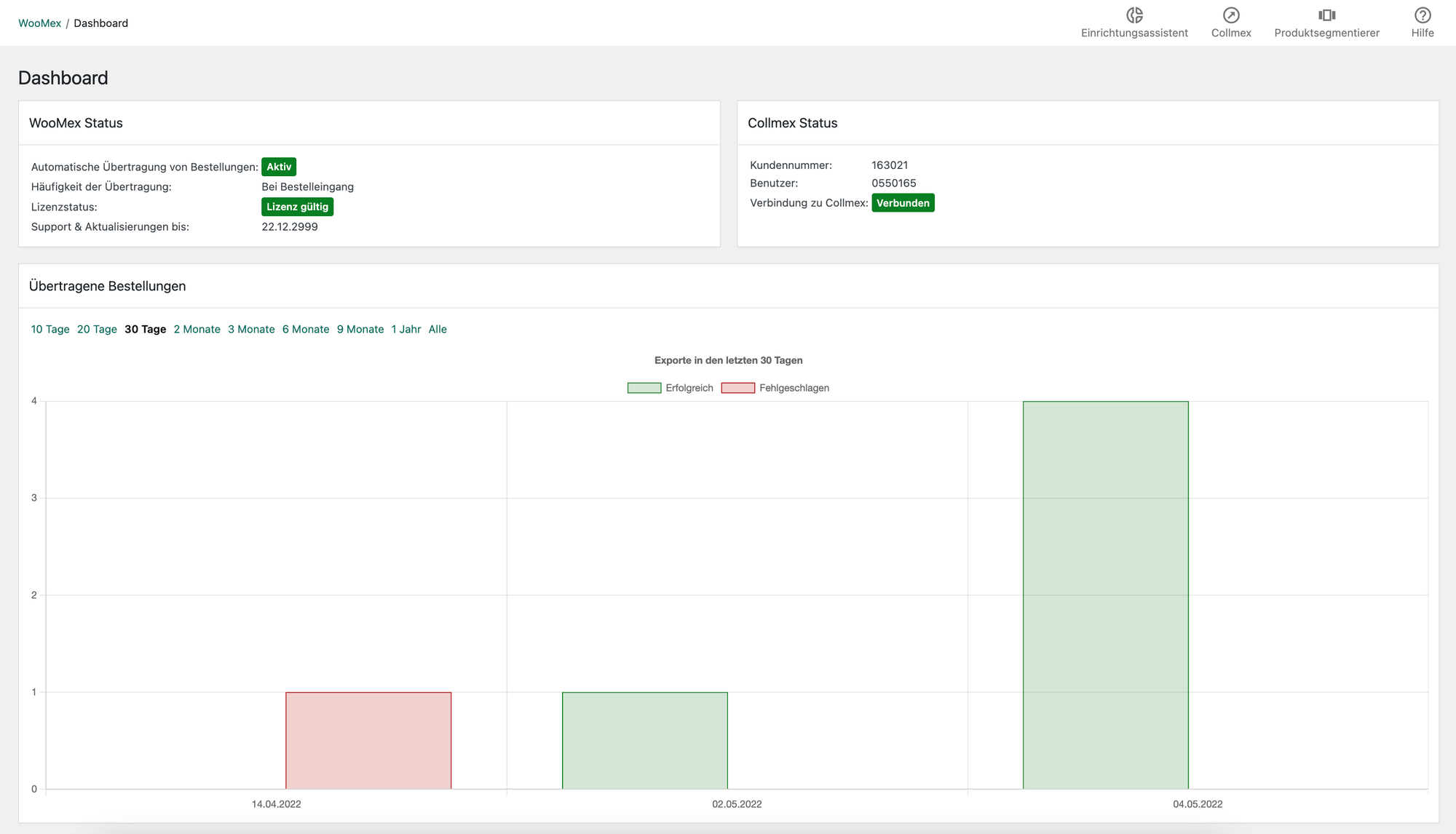
The dashboard brings together the system status and reports on transferred orders and automatic product imports.
A closer look at the product in use
For your shop setup
Connect Collmex and keep your existing extensions
The full feature set requires WooCommerce and Collmex Pro with API access. The following extensions are supported and can be used as optional additions to suit your shop.
- WooCommerce Germanized and German Market
- WooCommerce PayPal Payments
- WooCommerce PDF Invoices & Packing Slips
- Sequential Order Numbers for WooCommerce
- Woo Batches for batch management